
Crops grow slowly in Minecraft Bedrock Edition primarily because random ticks, which are what actually trigger each growth stage, happen about three times less often than in Java Edition. In Bedrock, a given block receives a random update roughly once every 204.8 seconds by default, compared to every 68.27 seconds in Java. That single difference explains most of the 'why is nothing happening?' frustration. On top of that, if your light level is below 9, your farmland isn't hydrated, or your water source is placed more than 4 blocks away, growth slows down even further or stops entirely.
Why Crops Grow So Slow in Bedrock and How to Fix It

Samuel Rourke
20 May 2026
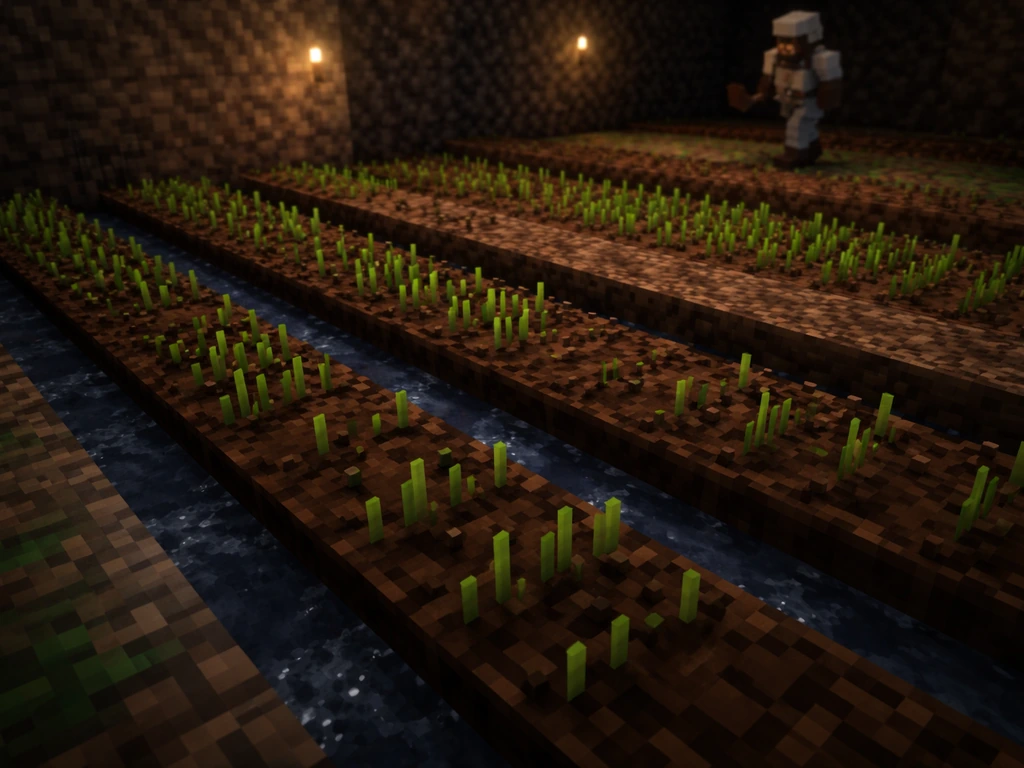
How Minecraft Bedrock crop growth actually works
Crop growth in Bedrock is driven by something called random ticks. Every tick cycle, the game randomly selects a small number of blocks in each loaded chunk and 'updates' them. For crops, that update is the moment when the game checks whether conditions are right and, if they are, advances the plant one growth stage. This is completely random, not a steady timer. You can't predict exactly when it will happen, only how often it happens on average.
The speed of this process is controlled by the game rule randomTickSpeed, which defaults to 1 in Bedrock. Raising that value speeds up random processes including crop growth, decay, and fire spread. Lowering it slows everything down. In survival multiplayer or on servers where this hasn't been touched, it stays at 1, and that's the baseline for all the timing numbers you'll see in this article.
One more Bedrock-specific detail worth knowing: crop growth only happens in chunks that are actively loaded and simulated. In Bedrock, this is tied to ticking areas and whether a player is present in the dimension. If you wander far away from your farm and no ticking area covers it, your crops effectively freeze. This is a common reason players come back after a long session and find nothing has grown.
What 'slow' actually means in Bedrock (stages, ticks, and randomness)
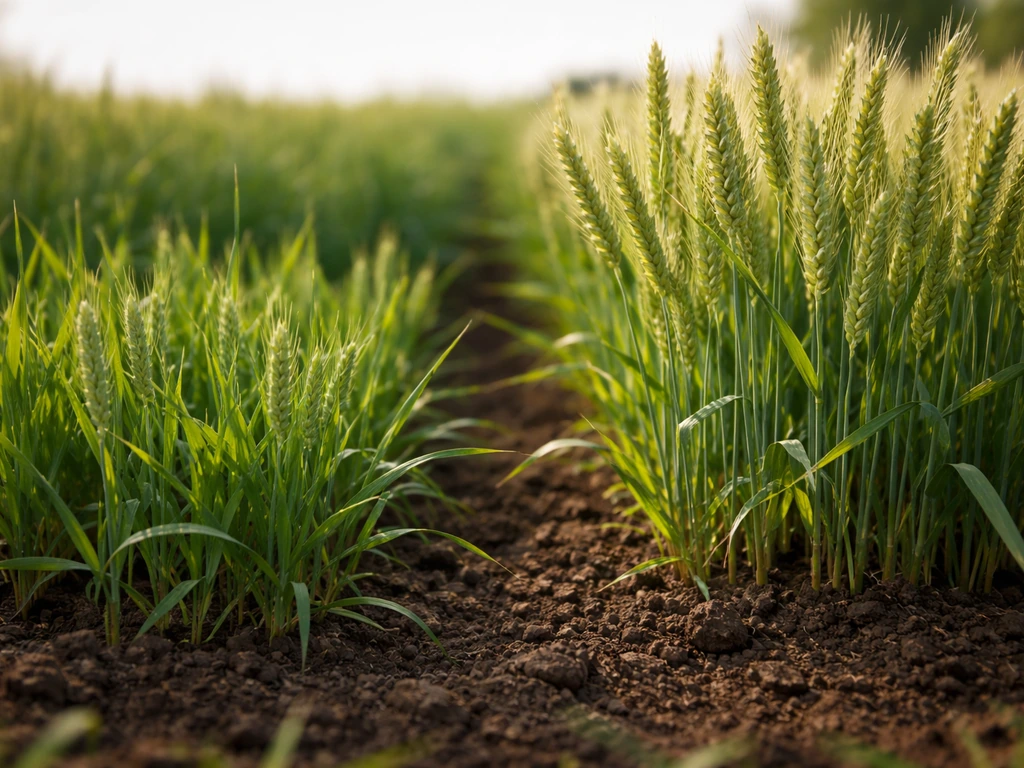
Most common crops like wheat, carrots, potatoes, and beetroot go through multiple growth stages before they're harvestable. Each stage requires at least one favorable random tick. Under ideal conditions, wheat takes around 31 minutes (roughly 1.5 Minecraft days) from seed to harvest in Bedrock. Sugar cane takes about 54 minutes to grow one block taller because it needs 16 random ticks on its top block to advance. Compare that to Java's roughly 18 minutes for the same growth, and you can see how significant the timing gap is.
The randomness matters a lot here. You might see a crop jump two stages quickly, then sit at the same stage for several minutes. That's normal behavior, not a bug. Because growth is probabilistic rather than scheduled, you'll never get perfectly consistent harvests. What you can control is making sure every condition is met so that each random tick has the best possible chance to trigger a growth advance.
For reference, here's how average growth timing looks across a few crop types in Bedrock at default randomTickSpeed:
| Crop | Growth Stages | Average Time to Full Growth (Bedrock) |
|---|---|---|
| Wheat / Carrots / Potatoes | 7 stages | ~31 minutes under ideal conditions |
| Sugar Cane (per block) | 16 ticks on top block | ~54 minutes per additional block |
| Cocoa Beans | 3 stages (20% chance per tick) | ~17 minutes total |
| Nether Wart | 3 stages (10% chance per tick) | ~34 minutes total |
The key factors that slow your crops down
Light level
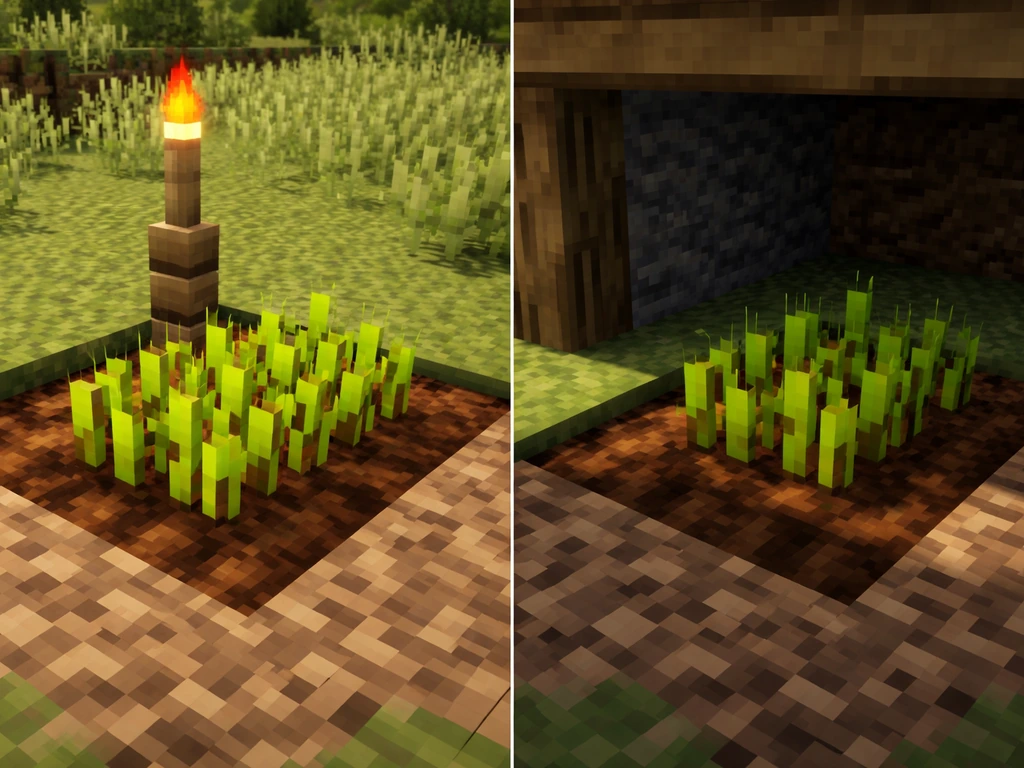
blank" rel="noopener noreferrer">Crops need a light level of at least 9 at the crop block itself to grow. This can come from sunlight (if your farm is outdoors and unobstructed) or from placed light sources like torches, lanterns, or glowstone. A common mistake is assuming that any light is enough. If you've roofed your farm or built it underground without adding dedicated lighting, you may be hovering right at the edge where growth either stops completely or becomes extremely rare. Check the light level directly on your crop blocks, not the block above or below.
Water and hydration
Farmland needs to be hydrated to support maximum crop growth speed. In Bedrock, farmland becomes hydrated when there's a water source within 4 blocks horizontally on the same level or one block above the farmland. If no water is in range, the farmland's wetness value counts down and eventually the farmland dries out. Dry farmland doesn't kill crops, but it significantly reduces growth speed. You'll often see this happen when a water source block gets accidentally replaced or a bucket interaction drains your water channel.
Soil type and farmland state
Seeds must be planted on farmland (tilled dirt), not regular dirt, grass, or coarse dirt. If somehow your farmland reverted to regular dirt, crops won't grow at all. Farmland reverts if a player or mob walks on it without a feather falling effect, or if the crop above it is removed and no water is nearby. It's worth checking that your farm plots are still actually farmland blocks, especially in high-traffic areas.
Distance to water
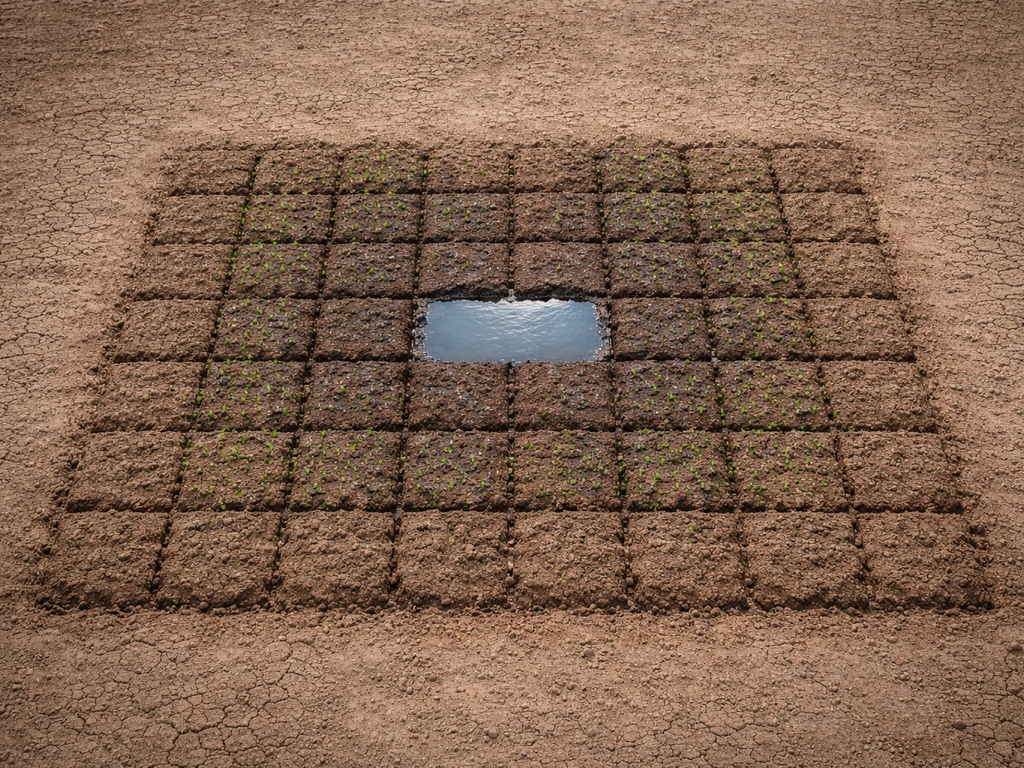
The 4-block horizontal rule is the one people most commonly get wrong. Diagonal blocks count, so a single water source block at the center of a square plot can hydrate farmland up to 4 blocks away in any direction, including diagonally. But if you're using a long rectangular layout with a single channel, the edges can fall outside that range. Any farmland more than 4 blocks from a water source will dry out over time.
Block and item interactions that affect growth
Different crops have different requirements and quirks beyond the basics. Cocoa beans grow on jungle logs, not farmland, and need one block of air in the growth direction. Nether wart only grows on soul sand, regardless of light or water. Sugar cane needs to be planted on dirt, grass, sand, or coarse dirt that's adjacent to water, and it only grows upward from its top block. If you're mixing crop types in one farm, make sure each crop's specific surface and environment requirements are actually met.
Biome and dimension also play a role. Crops can technically grow in the Nether without water (nether wart being the classic example), but standard overworld crops like wheat still need hydrated farmland for max speed even in unusual dimensions. Bedrock's behavior in non-overworld dimensions can sometimes produce quirks where crops appear to grow or stall unexpectedly due to how ticking areas interact with those environments.
For players using behavior packs or addons, seeds have Bedrock-specific item components that control what surfaces they can be planted on. If you're running a custom pack and crops refuse to plant or grow in certain spots, the minecraft:seed component's surface rules may be restricting placement in ways vanilla players never encounter.
How to diagnose your farm quickly
Before you rebuild anything, run through this checklist. Most slow-growth problems come from one of these and you can usually identify the culprit in under two minutes.
- Stand on or next to a crop block and check the light level (F3 on some platforms, or use the Education Edition 'show coordinates' feature if available). It should read 9 or higher at the crop block.
- Look directly at the farmland block and confirm it shows 'Farmland' in the block name, not 'Dirt'. If it reverted, re-till it with a hoe.
- Count the blocks between each farmland block and the nearest water source. Walk it if needed. No farmland should be more than 4 blocks from water.
- Check that the water source block is still there and hasn't been replaced. Sometimes a block update from adjacent changes can remove water.
- Confirm you're standing relatively close to the farm or that a ticking area covers it. If you've been exploring far from your base, chunks may have been unloaded.
- Verify the crop type matches its required surface. Nether wart needs soul sand, cocoa needs jungle logs, sugar cane needs water-adjacent ground.
- Check your world settings or game rules for
randomTickSpeed. If it's been set to 0 (possibly by a command or behavior pack), nothing will grow at all.
A quick test: plant a new seed right next to your current farm in a spot you know has light and hydrated farmland. If that seed grows and your existing crops don't, the issue is localized to those specific plots (wrong surface, bad hydration, or stale farmland). If nothing grows anywhere, you're likely looking at a light problem, a randomTickSpeed issue, or a chunk loading problem.
Fixes and best-practice farm layouts
The 9x9 hydration layout
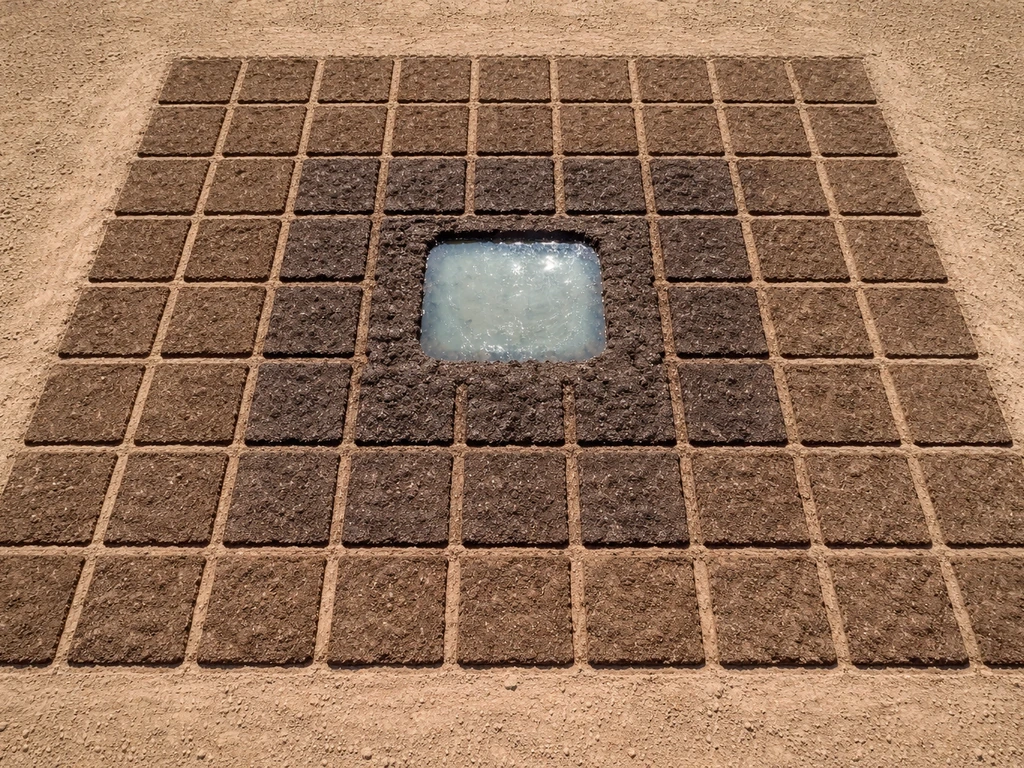
The most reliable basic layout is a 9x9 block of farmland with the center block replaced by a single water source. This gives you 80 farmland blocks, all within 4 blocks of the center water, meaning every single plot stays permanently hydrated. You can cover the water block with a slab or use it as the base for a light source to prevent mobs from spawning on it. This layout is the standard recommendation for good reason: it's compact, fully hydrated, and easy to light.
Lighting your farm properly
For outdoor farms, natural skylight handles everything during the day, but at night light levels can drop below 9 and growth stalls. Adding a torch or lantern every 5 to 6 blocks along your farm rows keeps the light level at 9 or above across the entire plot. For underground farms, treat every block like it needs a light source and space them to avoid dark pockets. Glowstone and sea lanterns embedded in the floor or ceiling work well because they don't cast shadows the way wall-mounted torches can.
Spacing and row arrangement
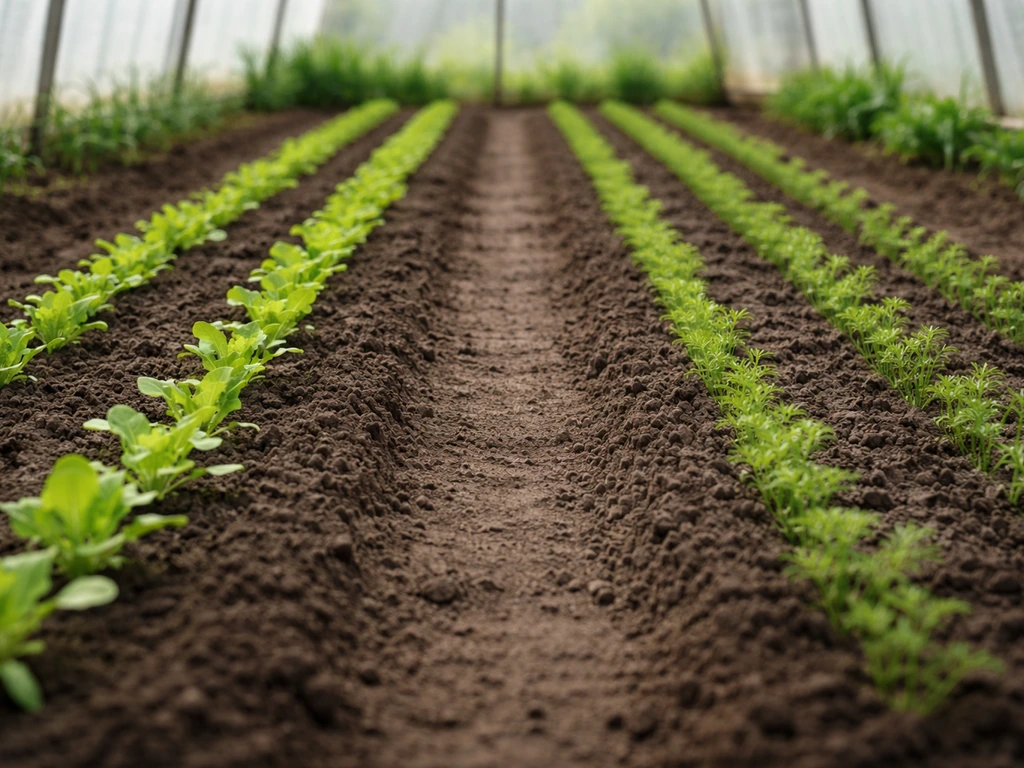
Separating rows of the same crop with a row of a different crop or an empty row can influence growth probability in some layouts, though the main benefit is usually practical (easier harvesting, clearer visual of what's grown). More importantly, avoid building structures or placing solid blocks directly above your crops, as they can shadow plots and cut skylight. Even a partial roof overhang can drop light levels enough to stall growth on edge rows.
Automation and afk considerations
If you want to maximize output, keep your player character near the farm or set up a ticking area command (available in Bedrock with cheats enabled) to keep the farm chunks active while you're elsewhere in your world. Automated water-channel harvesting setups using pistons or dispensers work in Bedrock, though the redstone timing may need tuning since random tick speed affects how often crops are actually ready. Building a larger farm with more total plots is often more practical than trying to speed up individual crops.
Common misconceptions and edge cases
Server lag is not the same as slow growth
A lot of players on Bedrock multiplayer blame slow crops on server lag, and sometimes that's partly true. If the server is severely lagging, tick processing slows and random updates happen less frequently than they should. But on a healthy server or in single-player, crops will simply grow at Bedrock's baseline rate, which is already about three times slower than Java. If your crops feel slow even in single-player with no lag, that's just Bedrock's normal behavior, not a bug.
Seasons and world settings don't exist in vanilla Bedrock
Vanilla Bedrock Edition has no season system or crop-growth-modifying world settings beyond randomTickSpeed. If you're on a server or realm running a behavior pack that adds seasons (which is possible and fairly popular), crop growth speed may be intentionally modified by those rules. Check your server's active behavior packs before assuming vanilla mechanics apply. Similarly, the 'always day' gamerule stops the day-night cycle but doesn't affect crop growth speed because growth is tick-based, not time-of-day-based.
Bone meal is not cheating, it's a tool
Some players avoid bone meal because it feels like skipping the game, but it's a fully intended mechanic and often the fastest way to bootstrap a new farm. Each use of bone meal advances a crop by one or more stages instantly, bypassing the random tick requirement entirely. For players who need crops quickly rather than optimizing long-term output, bone meal from skeletons or composters is the most direct solution.
Biome temperature doesn't affect crop growth in Bedrock
Unlike real-world agriculture, where temperature and climate are the primary drivers of what crops grow where (a topic this site covers extensively for real farming regions), Minecraft's Bedrock Edition doesn't factor biome temperature into crop growth speed. If you are also wondering what foods grow in Mexico, real-world crop choices depend heavily on climate, water, and regional farming practices.
Wheat grows at the same rate in a desert biome as in a taiga, as long as light and water conditions are met. In real life, that same idea of matching crops to harsh dry conditions is why people look for sheltered, irrigated places to grow crops near desert regions where is it possible to grow crops in the sahara.
The exception is that some biomes affect whether water freezes, which can break hydration if your water source turns to ice. In cold or snowy biomes, cover your water source with a light source or a block to prevent freezing.
That last point is actually a meaningful parallel to real agricultural geography: in cold climates, water availability and frost are primary limiting factors for crops, just as they are in Bedrock's snowy biomes. That same idea helps explain why it can be hard to grow crops in Mexico, where heat, drought, and occasional cold snaps affect what farmers can reliably produce frost are primary limiting factors for crops.
If you're curious how real-world cold or arid regions manage crop cultivation despite these constraints, exploring how desert farming works or where crops survive in harsh climates puts both the game mechanics and real agriculture in useful perspective. If you are wondering why this is so hard in real life too, the same limitation themes show up in desert farming, where heat and water access determine what can be grown.
In real life, knowing what crops grow in the desert helps you choose varieties that can handle heat, low rainfall, and limited water desert farming works. If you want a similar approach in Minecraft, you can match crop choices to the available light, water range, and soil type so they still grow reliably what crops grow in the desert.
FAQ
If I use bone meal, will it actually speed crops up long-term in Bedrock?
Bone meal only affects growth for the stages it triggers immediately. Once it runs out, the crop still has to wait for future random ticks to advance again, so for continuous high-speed output you either keep applying bone meal or focus on perfecting light, hydration, and loaded chunks.
Does “time” in the world matter if crops only grow on random ticks?
Bedrock day-night time itself doesn’t set a growth timer, but it changes whether skylight at your farm drops below the required level. So your crops may look slow at night in outdoor farms, even though the growth system remains random-tick based.
Why do my crops show the right conditions, but they still won’t grow sometimes?
A common cause is stale farmland or incorrect block state on a few plots. Even if the water channel and lighting look correct, one replaced water block, a grass block accidentally touching the plot, or a plot that reverted from farmland can stop growth on only part of the field.
How can I tell if the issue is light level or hydration without rebuilding the whole farm?
Do a controlled test: place a temporary light source at the crop block level while keeping hydration unchanged. If growth starts, lighting was the limiter. If nothing changes, check hydration distance and whether the water source block was replaced, since dryness reduces the chance of growth on random ticks.
Do crops grow faster if I’m standing near them, or does player distance not matter?
Player presence affects which areas are actively simulated. If your farm isn’t covered by an active ticking area, the game effectively stops growth progression for those chunks, even if light and hydration are correct.
Can I speed up growth by increasing farm size or spacing it out?
More plots can increase total harvest, but it doesn’t increase growth speed per crop stage. Growth is still limited by random ticks and your per-plot conditions, so doubling size usually helps output only because you have more chances to get harvestable plants.
Is a roof over my farm always bad, or can I still grow crops under a ceiling?
A roof is fine as long as each crop block still reaches the required light level and isn’t shaded by overhangs. What often fails is partial shadow on edge rows, where skylight never reaches the crops enough to consistently meet the threshold.
How does randomTickSpeed interact with redstone farms, and why do harvest timings look inconsistent?
When randomTickSpeed is higher, crops become ready more often, but redstone timings like piston or dispenser schedules are usually built assuming a specific pacing. If your automation triggers too early, you’ll harvest immature crops, so retune delays after changing randomTickSpeed.
If I’m in a non-overworld dimension, do wheat and carrots follow the same rules?
The base requirements still apply for standard crops, they still need hydrated farmland and sufficient light at the crop block. The difference is that chunk ticking behavior and dimension quirks can make it appear like growth is inconsistent if your farm area isn’t staying actively simulated.
Why do diagonal water setups sometimes hydrate fewer plots than I expect?
The hydration rule uses horizontal distance in a square radius, diagonal distance still counts, but layouts with a single channel can leave edge farmland beyond the 4-block horizontal limit. A layout that looks close visually may still have a few plots just outside the hydrated range.
What happens if my water freezes, especially in cold or snowy biomes?
If your water source turns to ice, it stops acting as a hydration source, so nearby farmland dries out over time and growth slows dramatically. Covering the water with appropriate blocks or adding light-based prevention helps keep hydration intact.
Do seasons or “world settings” ever change crop growth on Bedrock?
Yes, if you’re using a behavior pack or addon that adds seasons or growth modifiers, crop growth can change beyond vanilla randomTickSpeed behavior. If crops feel abnormally slow or fast, check active packs or rules before assuming it’s a mechanics issue.
Why do my crops sometimes jump multiple stages, then stall for a long time?
That’s expected with probabilistic growth. Random ticks check whether conditions are met, so when the checks “hit,” a crop can advance more than you notice, then wait again until future random ticks occur.
Are seeds allowed to be planted on every surface in Bedrock, or can addons restrict it?
Vanilla seeds have specific planting rules, and behavior packs can further restrict placement through item component surface rules. If seeds won’t plant or only some tiles work, verify the exact surface requirements for your seed items, especially with custom packs.
Next Articles
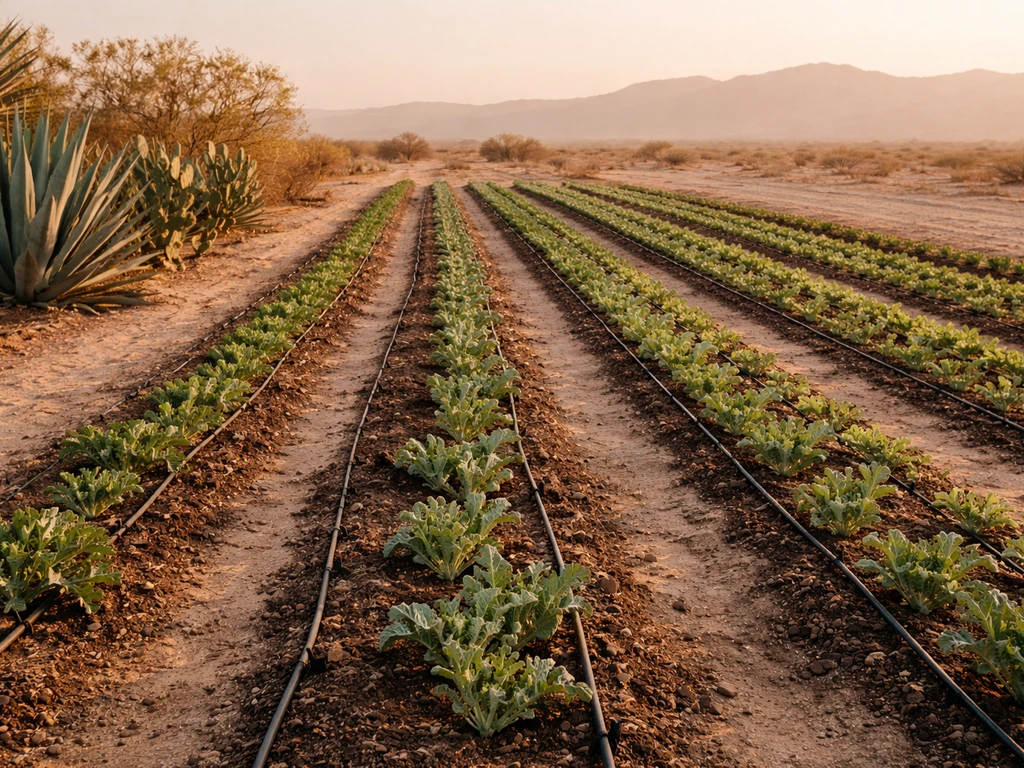
What Crops Grow in the Desert: Planting Guide and List
Curated list of desert-tolerant crops plus traits and step-by-step soil and drip irrigation guidance to grow them.
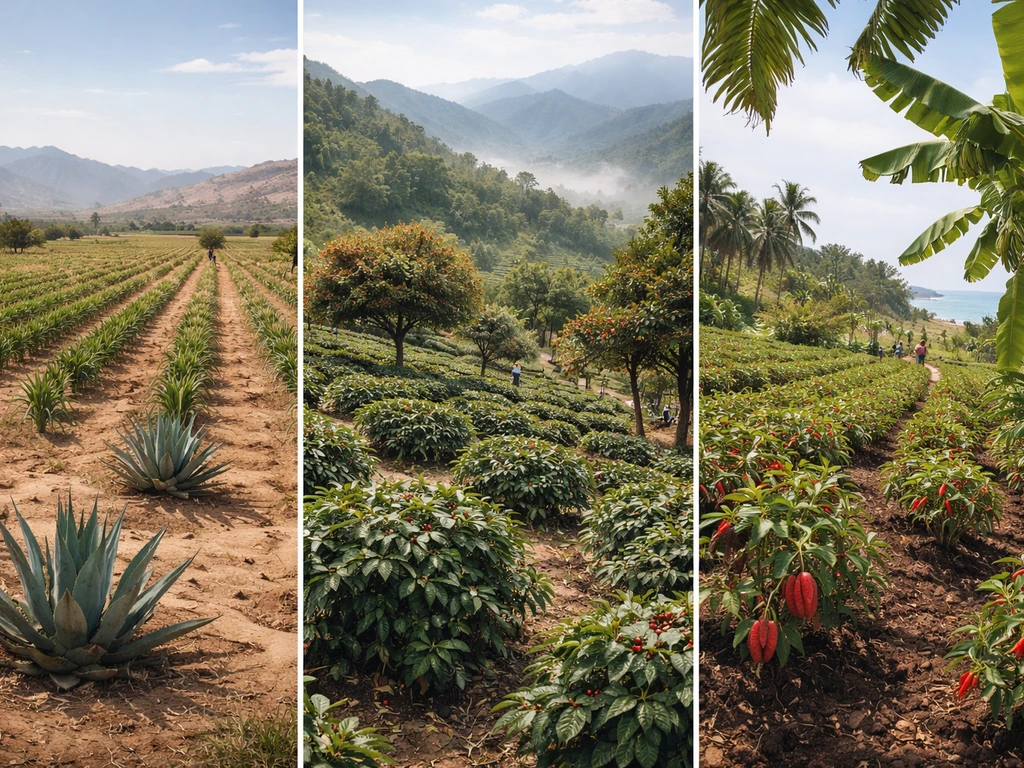
What Foods Grow in Mexico By Climate and Region
Region by region guide to what foods grow in Mexico: maize, beans, fruits, peppers, cacao, coffee, agave, and more.
What Did the Delaware Colony Grow: Crops, Uses & Legacy
Colonial Delaware’s main crops, grains, hay, flax, fruits, vegetables, livestock, why they thrived and how they were sold.